IT
 EN
 FR
 ES
 PT
Income, expenses and transfers
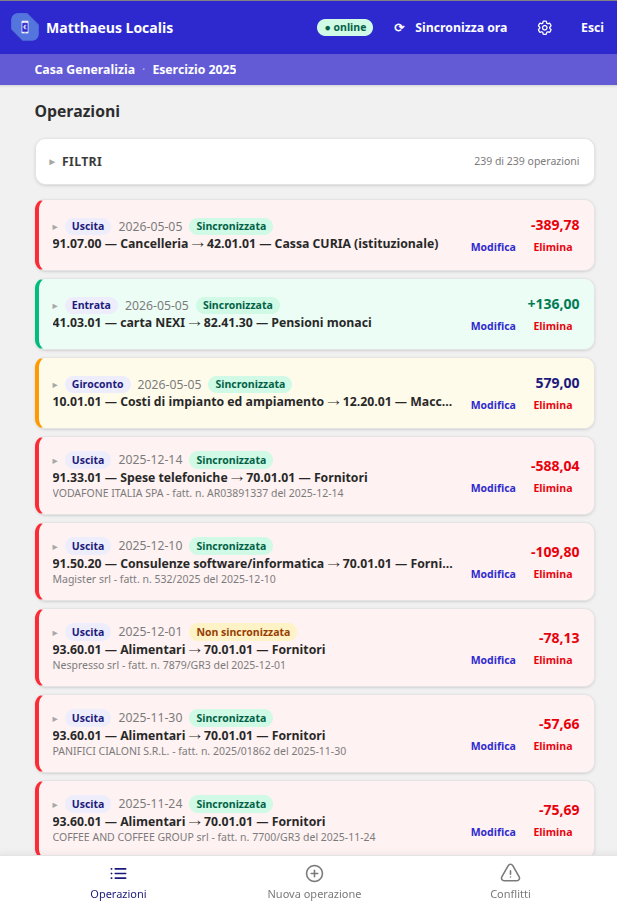
The operations are collected in a list that distinguishes the different types of movement.


Localis · The app connected to Matthaeus
The Matthaeus app for recording operations with a practical method, within the reach of community and mission treasurers.

A response to a concrete need
In missions where the Internet is intermittent or completely unreachable, Localis allows you to work without a connection. Bursars can enter accounting entries on the spot and synchronize the data with Matthaeus later, when they can access a connection, even from another location.
Getting started
Choose who enters the accounting entries and for which communities, according to the organization of the Congregation.
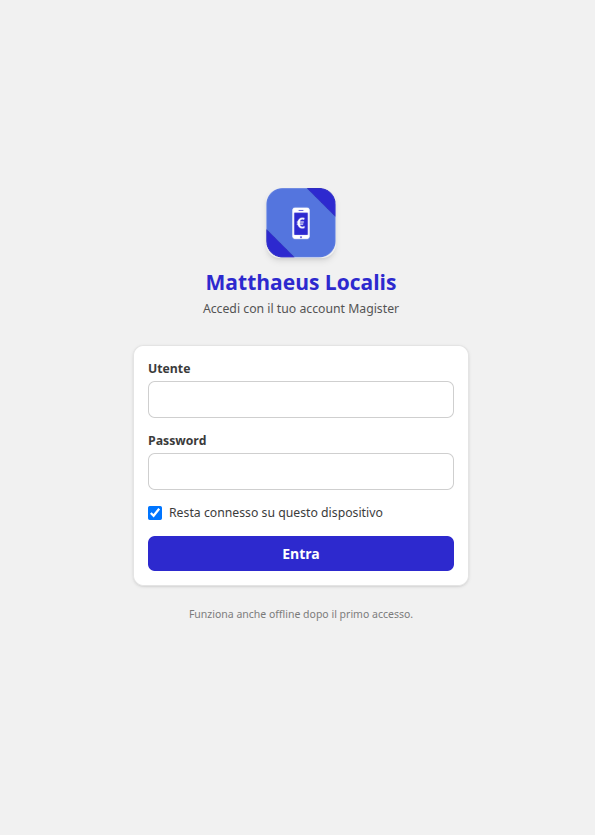
Log in for the first time with an Internet connection. Then you can work offline, starting with the usual operations to become familiar with the app.
The next time you connect, start the synchronization and check which movements have been transferred.
Features
The operations are collected in a list that distinguishes the different types of movement.
Find the accounting entries and intervene on the data to be corrected before continuing the work.
Recognize the movements already synchronized and those still to be transferred to Matthaeus.
The app in practice
The login screen with the Magister account. After the first login, the app also allows you to work offline.
The list distinguishes income, expenses and transfers and shows the synchronization status of individual operations.